Monthly Archives: February 2012


Listography – Top 5 Tip for Bloggers
Now I missed this a while back but still wanted to join in.
1. Add moderation but remove word verification
Kate had the latter advice on hers and I’d reiterate that I’m really not keen on word verification because half the time it doesn’t work (especially on mobile devices) and half the time I can’t actually read the blimmin’ word so I end up giving up on commenting. I know it is one way to reduce spam but here on WordPress if you use the spam filter Askimet it picks most of it up for you (It’s sometimes quite funny to read though). You can also add moderation so you have to approve all posts before they are visible – which leads me onto…
2. Try to reply to comments
I find that if I have to ‘approve’ a comment then I am more likely to then respond to it otherwise I’d probably miss it (like I’m doing with Tumblr because their comments system isn’t as straightforward). This my regular commenters is why I haven’t added the option to remove need for moderation once you’ve been approved. Nothing to do with trust and being worried what you might post ;o)
I think it’s only polite to write back when someone has taken the time to comment. Now there are lots of sites giving advice to then go and respond on the commenter’s blog – now of course this is nice when you find something you are interested in but I personally don’t feel that this should be a rule, especially when there are so many blogs and so little time but also sometimes we don’t always have the same interests. Yes, that means that if I comment on your blog you can ignore mine. Also don’t feel like you then have to comment forever more on every post. Sometimes (who am I kidding a lot of the time) I write rubbish so ignore that.
3. Write whatever you want to write
Now my blog is eclectic, as I am, so I use it to write about whatever takes my fancy. That doesn’t mean that I dislike blogs that are subject driven, actually they are often really useful, but I think sometimes people worry too much about going ‘off topic’ – don’t make apologies for it just do it. Also I like seeing a bit about the person behind the blog. But then again this may be just me and this comes from someone who isn’t too bothered about readership and alienating people – others may have different opinions.
4. Don’t worry about taking blog breaks
I am so not saying I never worry about this but I think that’s because when I actually blog I enjoy it but I think sometimes life gets in the way or we need a break or we have nothing to say. Sometimes I get a little frustrated by random I’m still here but I’m not here posts (I’m sure I’ve done them too though). And this leads me on to my final point which others have also said…
5. Link to social media (e.g. Facebook, Twitter or other places you hang out)
Probably people that follow your blog will connect with you elsewhere so if you do take one of those blog breaks mentioned above then if you have your blog linked to your other social media sites people that are interested will be able to pick it up (and to be honest those that really are interested will subscribe in some way, by RSS, Readers, e-mail etc so make sure you have those options available for them).
One little word of caution/nitpickiness (ooh I’m being all irritable at the moment aren’t I?) – try not to bombard your followers on social media with these links – try and work out if you are double posting why and maybe remove one if they are definitely just both going to the same place and on twitter please don’t post it on the hour every hour, I’m sure judiciously timed posts perhaps 3 times a day max might be sufficient. Again I’ve probably done this at some point and occasionally do try to repost a link if I think it is ever so important (or I forgot a hashtag) but please tell me if I’ve gone overboard.
Above all enjoy it – if it is painful to blog it isn’t worth it.
Share this on Facebook, Twitter and Google+

Listography – Top 5 Websites
This week’s listography is to look at my Top 5 commonly used websites. Now I am going to consider use of mobile apps for websites as if I was using the websites if that is OK because I access them much more frequently.
Now Kate has suggested the ones in your Google Homepage etc so I’m going to ignore Google itself (but I use that lots too usually as a toolbar rather than the website though). I’m also going to ignore my work websites for the purposes of this because that is far too depressing. So here goes – the 5 websites I actively and commonly use are (very me centred – sorry):
 As you can see from my post count I like to tweet a lot and I manage a number of accounts but this is my main one. I would probably spend a lot longer on here if I didn’t have to go to work.
I tweet lots with my circle of friends which is a great way to keep in touch when we can’t see each each face to face. I also tweet with occupational therapists and writers as well as lots of other interesting folk. I try to participate in the Occupational Therapy/Occupational Science specific tweetchats every Tuesday (alternating between #OTalk and #occhat), tweet from conferences, retweet random fun things, use twitter to link people to my blogs, etc.
 I use this just as much as Twitter (Twitter squeezed in at number one because of the hour chats whereas Facebook can be checked quicker – I usually just flick endlessly between the two).
I moved over to Timeline voluntarily a while ago before we are all forced to and I have to say I quite like it although there are some features I probably won’t use. There are lots of OT related groups (the 4OT ‘Suite’) that I participate in as well as catching up with lots of people from all walks of my life including those I only ‘know’ online.
I do try and ensure my privacy settings are set to just friends but I do have a page for me a writer for when I become all published and famous!!
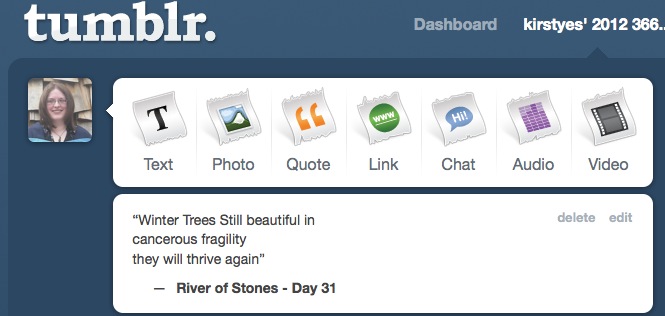 This year I have taken on the challenge of taking a photo a day and writing a small stone (mindful reflection) and decided to set up a Tumblr blog to a) try another platform and b) not annoy regular followers here that might not want 2 daily posts from me. I’ve found a few random Tumblr blogs I now follow and reblog some of their things – mainly Harry Potter related.
4. IMDB (The Internet Movie Database)
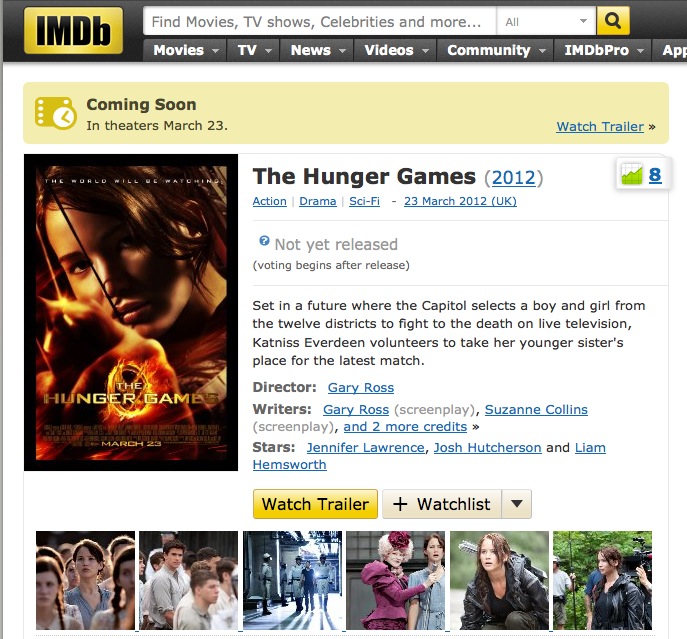 I use this on almost a daily basis I think. I’m a huge TV and film fan and use it to find out the name of films, titles of episodes of TV series I watch, etc. etc. Here is the homepage for the film I am most looking forward to this year after reading the books over Christmas. I also found out a useful tip from a mummy friend that I will be using when I have kids – a parent’s guide that warns you about things like Santa’s secret being revealed or in the case of The Hunger Games that a boy and girl sleep in a sleeping bag together (and that there are lots of violent deaths!!).
5. kirstyes.co.uk – WordPress dashboard
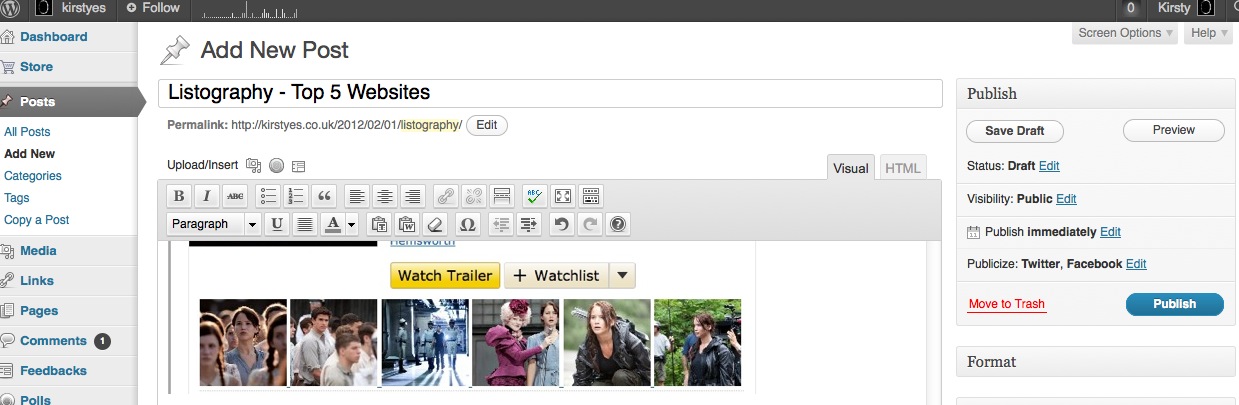 This is what is behind the scenes here – here is a screenshot of this very post being written in fact. I’m not actually on here as much as sometimes I’d like – I often have spates of blogging frequently (usually when I have time to schedule posts) but try to participate in #SilentSunday – a weekly picture with no writing, these Listographies (when I can cope with just 5 options and have the time), and I’m going to be posting during April for the A-Z challenge. I also have a couple of private wordpress blogs that I plan to use for professional and PhD related reflection.
Looking forward to checking out other people’s top 5 and maybe finding some new websites to waste my time on, I mean explore. I’m afraid that there probably isn’t anything new for you here.


 kirstyes